Does TV Have Screen Guard? Transit Film vs Real Protector
You unboxed a new TV and noticed a thin film on the screen, or you wonder if it should already have protection. Does TV have screen guard built in? What you find on the panel, and what you actually need, depends on the brand, your room and who uses it.
Before you buy anything, read Does Your TV Really Need a Screen Protector? (Honest Answer) for the wider view. This article covers what comes on the panel, whether you need a guard, the options, fitting and cost by size.
Quick answer: Most TVs do not come with a lasting screen guard. They carry a transit film that you peel off, and some Samsung models have a polarizing layer that must stay. A separate protector is optional; Screen Guardian’s 55-inch anti-glare protector is ₹3,699.
In this guide
- What a TV screen guard is and what comes on the panel
- Do TVs have screen protectors? The short version by situation
- What a screen protector does, and where it stops
- Do you need a screen guard? Four things decide it
- Anti-glare, anti-scratch or blue light: the options compared
- How to choose for your living room
- Fitting it: the steps
- What it costs by size
- Mistakes to avoid
- Frequently asked questions
- Related guides
- Choosing your size with Screen Guardian
What a TV screen guard is and what comes on the panel
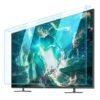
A TV screen guard is a thin sheet that sits over the display to take scratches, fingerprints and glare instead of the panel. It is a separate accessory, not part of the TV.
What you see on a new set is different. Some TVs and smart monitors ship with a scratch-resistant film that only protects the screen during shipping, and it should be removed after unpacking.
Some Samsung TVs also have a polarizing film that is part of the TV itself. Do not peel that one. If the film has no obvious tab or sits flush under the glass, check your manual before pulling.
A guard is also not a dust cover. A dust cover goes over the TV when it is off, while a guard is meant to stay on while you watch.
Do TVs have screen protectors? The short version by situation
Treat the factory film as packaging, not protection, and treat a guard as a choice you make for your own room.
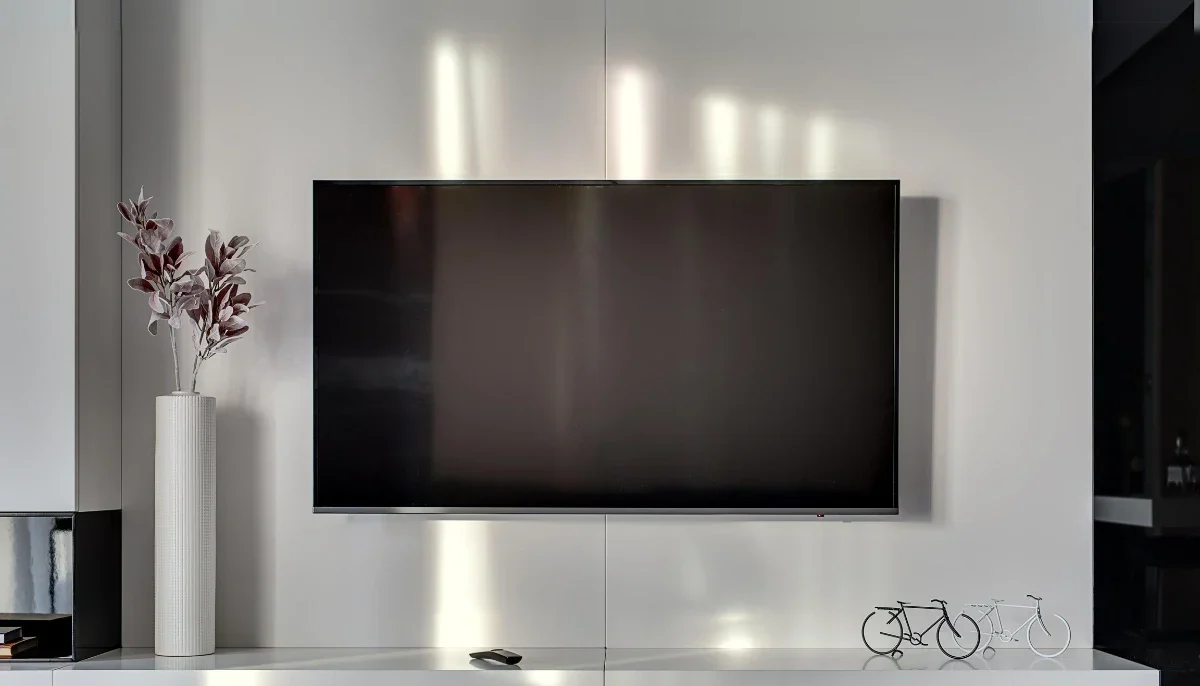
Transit film
It guards the panel on the way to you. Once you remove it, the screen is bare again.
Built-in polarizing layer
This is part of how the display works on some Samsung sets. It is not a guard and removing it would damage the picture.
Aftermarket protector
This is what you add. It covers the panel against touches, knocks and reflections, and you can take it off later using our guide on how to remove a TV screen protector.
What a screen protector does, and where it stops
A protector takes surface damage such as scratches, smudges and light knocks, and it can cut reflections if it has a matte finish.
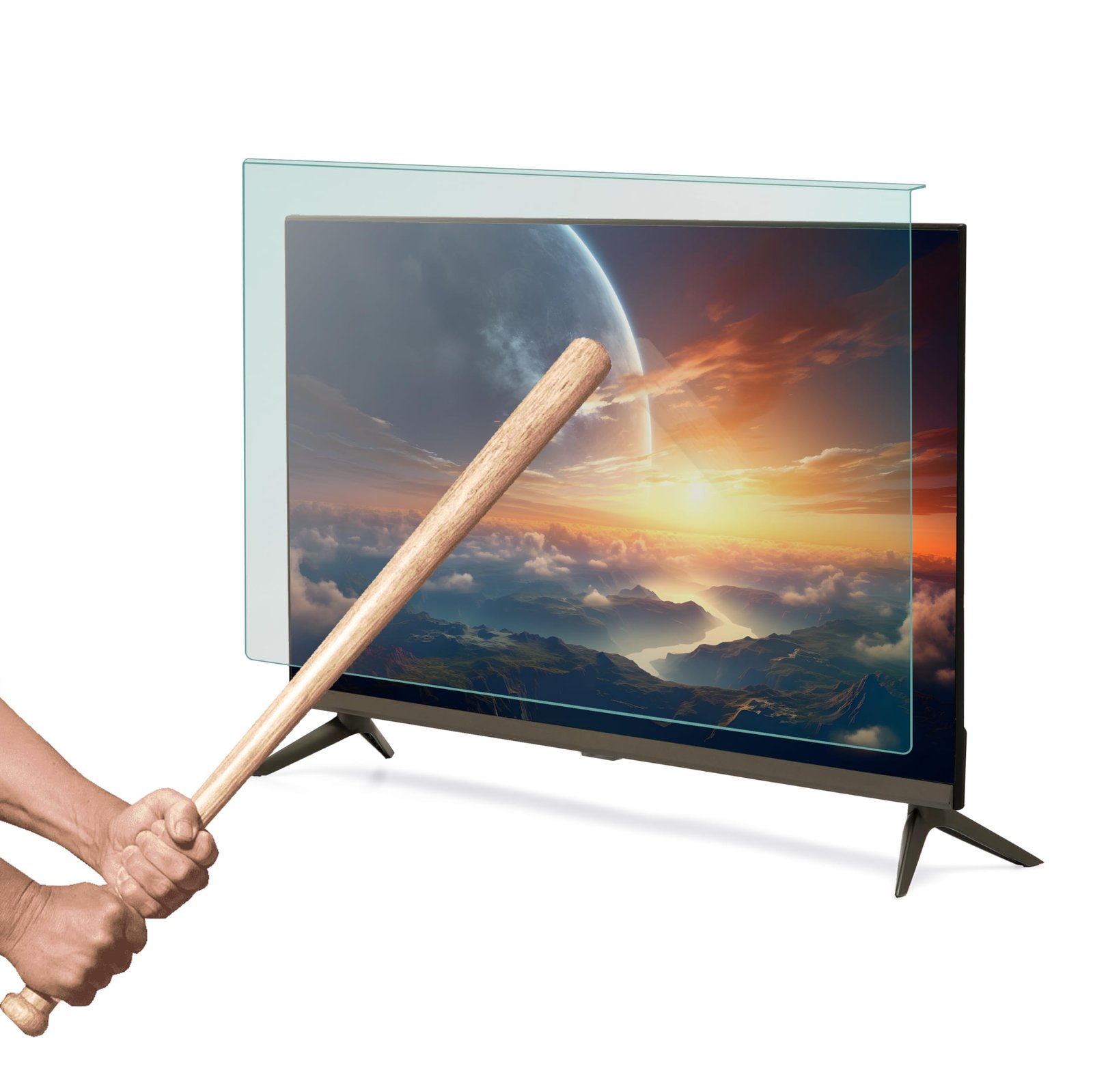
Fingerprints are a real issue where children touch the screen, because skin oils are hard to clean off a bare panel. Young children can also hit a screen or throw objects at it, and a guard adds a layer between the object and the panel. Our guide on how to protect a TV screen from kids goes further.
Its limit: a film is not a shield against a hard, direct impact, and we would not tell you it makes a TV safe from a thrown object.
Screen Guardian’s own site says its nano-film is 0.25mm thin, and its anti-glare 55 inch protector cuts 90% of surface reflections through a matte coating. Those are the maker’s figures, not independent test results.
Do you need a screen guard? Four things decide it
Four things decide it: children and pets, light in the room, screen size and repair cost, and cleaning habits. You need one most with children, pets or bright windows.
Who is near the screen
Small children and pets are the biggest risk to a panel. If neither is in the house, the case weakens.
Light in the room
Window reflections and ceiling lights wash out dark scenes. A matte anti-glare film is the fix for that.
Screen size and cost of failure
The bigger the TV, the bigger the loss. A 75-inch panel replacement is often ₹30,000 to ₹80,000 or more, against a ₹7,999 protector. We have no confirmed figure for 55-inch panels, so ask a repair shop for your model.
How you clean
Wiping a bare panel with the wrong cloth leaves marks. A protector takes that wear instead, and you can wipe it with a clean damp cloth, without detergent or bleach.
Anti-glare, anti-scratch or blue light: the options compared
Anti-glare suits bright rooms, anti-scratch suits everyday protection, and blue light suits late viewing.
Anti-glare
A matte finish that scatters reflections. The page for the 55 inch states 90% reflection reduction.
Anti-scratch standard
The regular size-specific protector for scratches and fingerprints, listed from 32 to 75 inch.
Blue light filter
Listed at 50% blue light reduction and priced the same for every size.
| Type | Main job | Sizes | Price |
|---|---|---|---|
| Anti-scratch | Scratches, fingerprints | 32–75 inch | ₹1,499 (32 inch) to ₹7,999 (75 inch) |
| Anti-glare 55 inch | Reflections | 55 inch | ₹3,699 |
| Blue light filter | Blue light | All sizes | ₹2,999 |
Prices as of November 2026 — the product page always shows the current price, or contact Screen Guardian.
Prices as of November 2026. Prices depend on size; check the product page for the current price.
How to choose for your living room
Pick by room light first, then by size. A sunny room wants anti-glare; a dim home theatre does not.
Households with young children suit the standard protector. Late-night viewers may prefer the blue light version.
Which to choose: for a 55-inch TV in a room with windows, we recommend the anti-glare 55 inch protector, because glare affects every viewing hour while a knock may never happen. For a darker room, the standard one is enough.
Fitting it: the steps
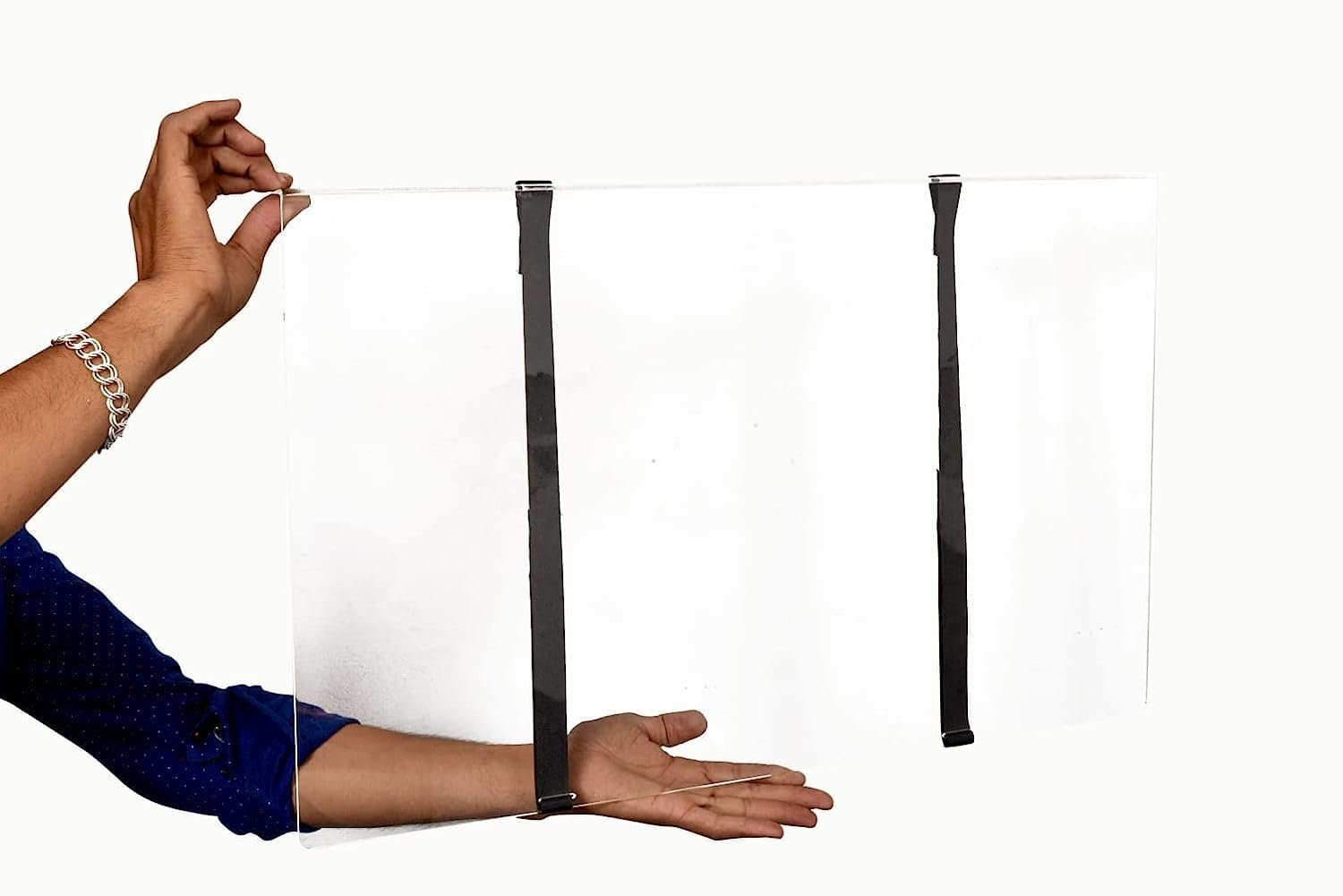
The protector uses static cling with no adhesive, so you can fit it at home. A free microfibre cloth comes with every order; use it to clean the screen before fitting and to smooth the film after.
- Switch off the TV and let it cool.
- Clean the screen with the cloth.
- Align the film at the top edge and lay it down slowly.
- Smooth outward with the cloth.
If bubbles remain, see how to remove air bubbles from a TV screen protector.
What it costs by size
Prices run from ₹1,499 for 32 inch to ₹7,999 for 75 inch: 32 inch at ₹1,499, 43 inch at ₹1,899, 50 inch at ₹3,199, 55 inch at ₹3,499, 65 inch at ₹4,999 and 75 inch at ₹7,999.
The anti-glare 55 inch is ₹3,699, against ₹3,499 for the standard 55 inch.
Worked example: a household with a 55-inch TV in a bright room pays ₹3,699 for anti-glare. Shipping is free.
Mistakes to avoid
Peeling the wrong film
Remove the transit film, but never the polarizing layer on Samsung sets.
Ordering by what the box says
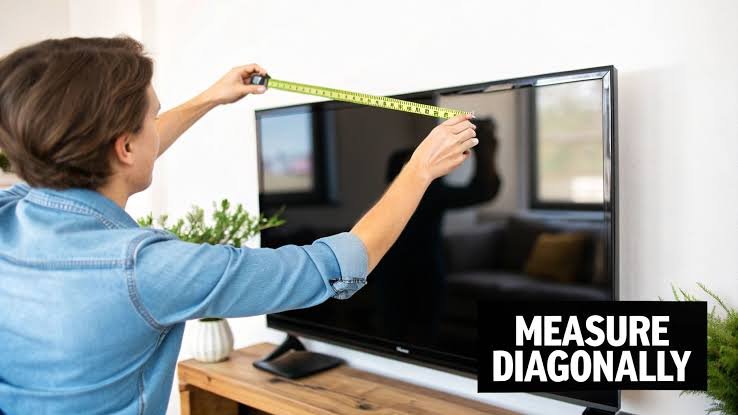
Sizes are nominal diagonals, so measure your TV’s screen diagonal in inches before ordering. Our guide on the 43-inch size explains the real measurement.
Expecting a dust cover
A guard stays on during viewing. It does not replace covering the set when away.
Frequently asked questions
Does a protector change picture quality?
The product page rates the nano-film at 99.5% clarity. Matte anti-glare films scatter light by design, so look at the finish you choose.
Can I return the wrong size?
Screen Guardian has a 7-day returns policy for damaged or wrong-size protectors; email them and eligibility is confirmed within 24 hours.
Who pays return shipping?
Screen Guardian pays return shipping only when the return is due to its own error. Check the 7-day returns terms before you email for a return.
Related guides
- Best Samsung TV Screen Protectors in India 2026
- Should We Remove a TV Screen Protector: Pros, Cons and Guide
Choosing your size with Screen Guardian
If you have decided a guard is worth it, Screen Guardian sells protectors for 32, 43, 50, 55, 65 and 75 inch TVs from Samsung, LG, Sony, TCL and Mi. Start with the anti-glare 55 inch product page, or call +91-4562796089.