
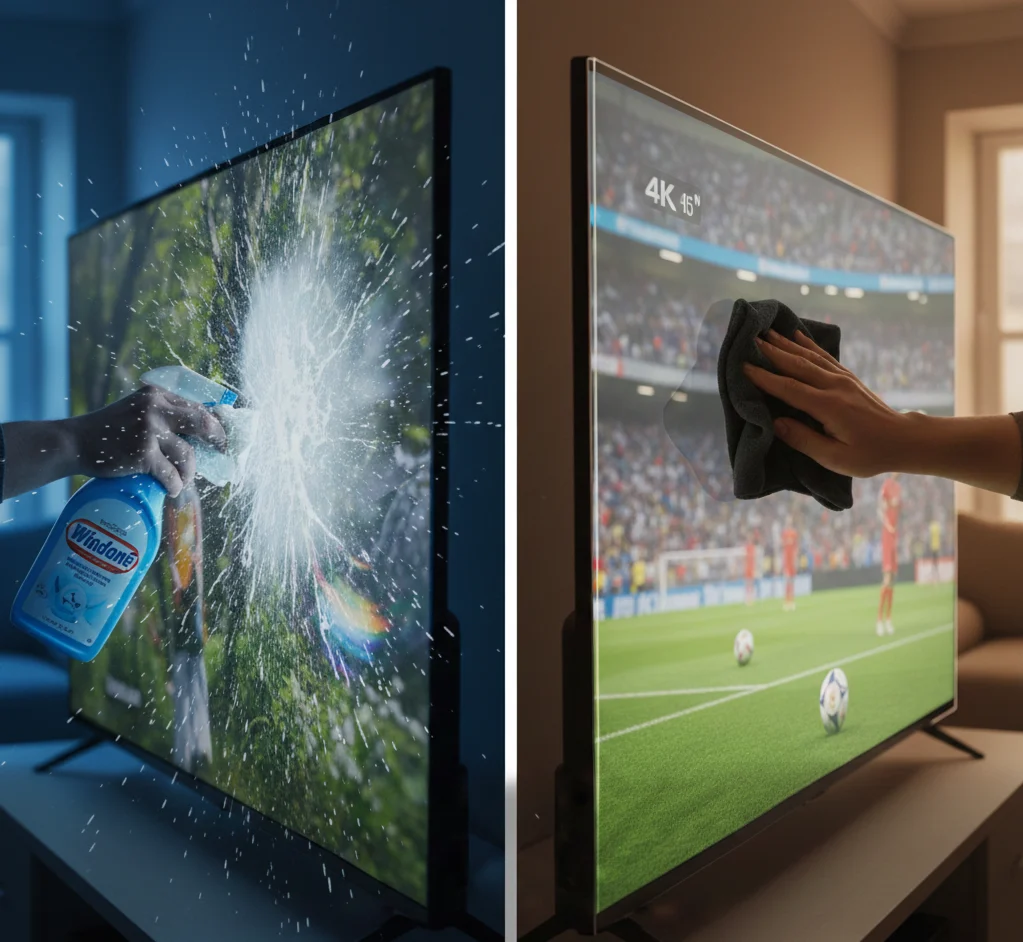
Why Does My Screen Protector Look Grainy? (Fix It Now)
Your screen looked perfect before the protector went on. Now it looks grainy, hazy, or slightly blurry — and you cannot figure out why.
This is one of the most common screen protector complaints in India and across the world. The good news is that in almost every case it is fixable — either by understanding what type of protector you have, reinstalling it correctly, or switching to the right variant for your screen.
This guide covers every cause of a grainy-looking screen protector and exactly what to do about each one.
The 6 Reasons Your Screen Protector Looks Grainy
Reason 1 — You Have a Matte (Anti-Glare) Protector on a High-Resolution Screen
This is the most common cause — and the most misunderstood.
Matte screen protectors have a micro-textured surface. This texture is what diffuses reflected light and reduces glare — it is the feature, not a defect. But on a 4K TV, a high-resolution phone, or a laptop with a sharp display, this micro-texture can be visible at certain viewing distances and angles, creating the appearance of grain or fuzziness.
This is not damage. This is not a defective product. This is what happens when a matte protector is used on a screen that was designed to be viewed at close range with very high pixel density.
How to tell if this is your problem: Look at your screen protector from a distance of 6–8 feet. If the grain disappears or becomes much less noticeable, you have a matte protector on a high-resolution screen and the effect is viewing-distance dependent.
The fix: For TV screens — a matte anti-glare protector is only the right choice if your room has significant ambient light, windows facing the screen, or bright overhead lighting. If your room is dark or you watch primarily in the evening, switch to a crystal clear protector. The grain disappears completely because crystal clear protectors have no texture.
For mobile and laptop screens — matte protectors on very high-resolution screens (above 300 PPI) can introduce visible grain at normal usage distances. Switch to a crystal clear protector if grain bothers you more than glare.
Screen Guardian crystal clear TV screen protectors use 99.5% optical transparency film with zero texture — completely grain-free at any viewing distance.
Reason 2 — Dust or Air Bubbles Under the Protector
The second most common cause.
When dust particles or air pockets sit between the screen protector and the screen surface, they scatter light in irregular patterns. From a distance this appears as grain, fuzziness, or an uneven haze across part or all of the screen.
How to tell if this is your problem: Look at the screen at a 45-degree angle under direct light. You will see small bumps, bubbles, or dust particles caught under the film. The grain pattern will be irregular — worse in some areas than others — rather than uniform across the whole screen.
The fix: Remove the screen protector, clean the screen surface thoroughly, and reinstall in a low-dust environment.
The bathroom steam trick works extremely well — run a hot shower for 2 minutes with the door closed, switch the shower off, and reinstall the protector in the settled, dust-free air. This eliminates most dust-related grain issues permanently.
For persistent dust under large TV screen protectors, see our full guide: How to Remove Air Bubbles from a TV Screen Protector
Reason 3 — The Screen Protector Is Low Quality
The honest answer that most sellers will not give you.
Not all screen protectors are the same optical quality. Budget screen protectors — particularly unbranded ones sold on Meesho, generic Amazon listings, or street-side phone shops — often use lower-grade PET film with inconsistent optical density. This produces a uniform grain or haze across the entire screen that does not go away regardless of how well the protector is installed.
The difference in optical quality between a 99.5% transparency film and an 85% transparency film is visible to the naked eye. You may not have the spec sheet but you can see the difference in picture quality.
How to tell if this is your problem: The grain is uniform across the entire screen — not worse in one area than another. It was present immediately after installation and did not improve after 24–48 hours. Removing the protector restores the screen to perfect clarity.
The fix: Replace the protector with a quality optical-grade film. Screen Guardian uses industrial-grade nano-film with 99.5% optical transparency — the same grade used in commercial display protection and medical monitor covers. The difference in clarity compared to generic film is immediately visible.
Reason 4 — The Blue Protective Film Was Not Removed
This one catches more people than you might expect.
Most screen protectors come with two protective films — one on each side of the protector. The outer film protects the surface during shipping and packaging. The inner film goes against the screen during installation.
If the inner blue or clear protective film was not removed before installation — either because it was not visible or because the peeling instruction was unclear — the protector goes on with an extra layer between it and the screen. This extra layer creates a significant haze or grain effect.
How to tell if this is your problem: Look at one corner of the protector. Lift it slightly with a fingernail. If you can peel a second, thinner layer from the inner surface — you have the protective film still on. The inner film is usually slightly blue tinted or has a tab to pull.
The fix: Remove the entire protector. Peel the inner protective film from the protector’s inner surface. Reinstall. The grain will disappear completely.
Reason 5 — Rainbow Effect or Interference Pattern
Different from grain — but often described the same way.
A rainbow pattern — iridescent colour bands that shift as you move — is caused by the protector not lying completely flat against the screen surface. Light refracts between the screen surface and the slightly lifted protector film, creating an interference pattern that looks like grain or a colour cast from certain angles.
How to tell if this is your problem: The grain has a slight colour tint — very subtle rainbow colours visible in certain lighting. It shifts or moves when you change your viewing angle. It is often worse at the edges of the screen.
The fix: Press the affected area firmly with a microfibre cloth. If the rainbow pattern disappears under pressure and comes back when you release, the protector is not lying flat — there may be a dust particle creating a lift point, or the protector is very slightly oversized for your specific panel.
For TV screen protectors, this is usually caused by a fit issue — the protector is cut slightly too large and is buckling at the edges. A precision-cut protector for your exact screen size eliminates this completely.
Reason 6 — The Screen Itself Is Damaged
The least common cause — but worth ruling out.
In some cases the grain or haze is not from the protector at all. LCD and LED TV panels can develop internal haze, delamination, or backlight bleed over time — particularly in screens that have been exposed to moisture, heat, or physical pressure. This appears as a milky or grainy area on the screen that is visible with or without a protector.
How to tell if this is your problem: Remove the screen protector completely. If the grain or haze is still visible on the bare screen — the issue is with the panel itself, not the protector.
The fix: Panel issues require TV service. Contact your TV manufacturer’s service centre. Samsung, Sony, LG, and TCL all have authorised service networks in major Indian cities.
Quick Diagnosis Table
| What you see | Cause | Fix |
|---|---|---|
| Uniform grain across whole screen | Matte protector on high-res screen | Switch to crystal clear |
| Irregular grain, worse in patches | Dust or bubbles under film | Remove, clean, reinstall |
| Uniform haze from day one | Low quality protector | Replace with optical-grade film |
| Haze with slight blue tint | Inner protective film not removed | Peel inner film, reinstall |
| Rainbow shimmer at edges | Protector not lying flat | Press flat or replace with exact-fit |
| Grain visible without protector | Panel damage | TV service required |
The TV-Specific Problem — Why Grainy Protectors Are More Noticeable on TVs
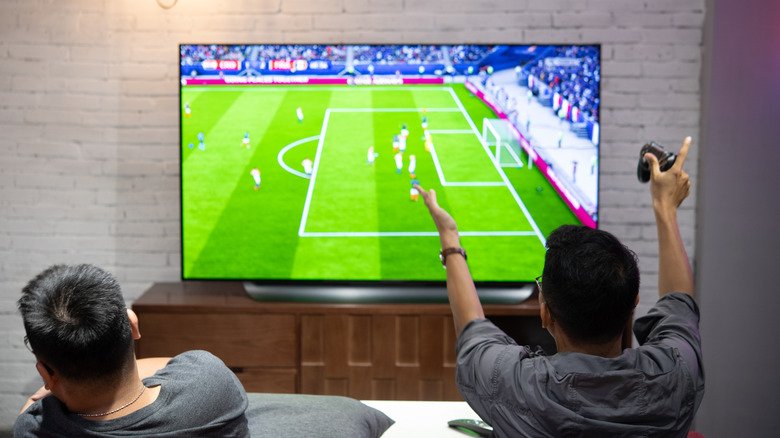
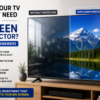
TV screens are viewed from further away than phones or laptops — typically 6–10 feet. This means the grain from a poor-quality or matte protector is visible across a much larger visual field.
A grainy screen protector on a 55 inch TV is like watching your picture through frosted glass from across the room. The whole point of a 4K or OLED TV is pixel-perfect picture quality — a grainy protector undermines every penny you spent on the display.
This is why the film quality matters enormously for TV screen protectors.
Screen Guardian’s crystal clear protectors use 99.5% optical transparency film specifically because TV screens demand the highest optical quality. The 0.5% loss in transparency compared to bare glass is not visible at any normal TV viewing distance. A grainy film — at 85–92% transparency — is visible from the sofa.
Matte vs Crystal Clear — The Root Cause of Most Grain Complaints
The majority of “my screen protector looks grainy” queries come from one of two situations:
Situation 1: A buyer chose a matte anti-glare protector because they heard it reduces glare — without realising that matte protectors introduce texture that is visible on high-resolution screens at close distances.
Situation 2: A buyer received a low-quality generic protector with inherently poor optical clarity.
Both situations have the same solution — a crystal clear, optical-grade protector with 99.5% transparency and no surface texture.
For buyers who genuinely need anti-glare performance — bright rooms, south-facing windows, overhead tube lighting — Screen Guardian’s anti-glare variant uses an optical coating that reduces reflections by 90% without the surface texture that causes grain at close viewing distances. It is not zero-texture, but at TV viewing distances of 6+ feet the texture is invisible
Does a Grainy Screen Protector Damage Your Screen?
No. A grainy screen protector — whether matte texture, dust underneath, or low optical quality — does not damage the screen beneath it. The panel surface is unaffected.
Removing a poor-quality or poorly installed screen protector and replacing it with a quality optical-grade film restores your picture completely.
The only scenario where removal could cause damage is adhesive-backed protectors with very strong adhesive on OLED or QLED panels — always use static cling protectors on TV screens to avoid this risk entirely.
Frequently Asked Questions
My TV screen protector looks blurry — what do I do?
First, remove the protector and check whether the blurriness disappears from the bare screen. If it does — the protector is the cause. Check which type you have (matte or crystal clear) and whether the inner protective film was fully removed. Reinstall in a clean, dust-free room. If blurriness persists after correct reinstallation, replace with a quality optical-grade crystal clear film.
Is a grainy screen protector bad for my eyes?
No. A grainy or hazy screen protector makes the picture less sharp but does not produce harmful light frequencies or cause eye damage beyond the normal fatigue of watching a lower-quality image.
Can I fix a grainy matte screen protector without replacing it? No. The grain in a matte protector is the surface texture itself — it cannot be removed without removing the protector. If matte grain bothers you, switch to crystal clear.
Why does my screen look grainy after putting on a screen protector but not before? The protector is either matte finish (grain is the surface texture), has dust underneath (irregular grain pattern), or is low optical quality (uniform haze). Remove it, check the screen — if clear without protector, one of these three causes applies. See the diagnosis table above.
Will a better screen protector fix the graininess? Yes — if the cause is a low-quality or matte protector. A crystal clear protector with 99.5% optical transparency eliminates grain caused by film quality. Grain caused by dust requires clean reinstallation regardless of protector quality.
The Bottom Line
A grainy screen protector is almost always fixable without buying a new TV or calling a technician.
The cause is one of six things — matte texture, dust underneath, low-quality film, inner protective film not removed, poor fit, or panel damage. The first five are solved by switching to a quality crystal clear protector and installing it correctly.
Screen Guardian’s TV screen protectors use 99.5% optical transparency crystal clear film — grain-free at any viewing distance, precision-cut for exact fit on 32 to 75 inch panels, static cling installation with no adhesive.
If your current protector looks grainy — remove it, check the bare screen, and replace it with something that belongs on your TV.
Shop Screen Guardian TV Screen Protectors →
Shop by size:
Related reading: Anti-Glare vs Crystal Clear TV Screen Protector · How to Remove Air Bubbles from a TV Screen Protector · How to Install a TV Screen Protector
One thought on “Why Does My Screen Protector Look Grainy? (Fix It Now)”
Pingback: Best 55 Inch TV Screen Protector India — Samsung, LG & Sony