Do TVs Use Glass Screens? What a 55-Inch Buyer Should Know
Do TVs use glass screens? Partly. Most TV screens have glass inside, but the front surface may be glass, plastic or a coated film depending on the model. If you have bought a 55-inch TV, that detail decides which protector is worth buying.
Many listings use the word “glass” loosely, so we will separate what is inside from what is on the front. If you are comparing sizes as well, see our Top 5 TV Screen Protectors for 55 Inch TVs in India (2026).
Quick answer: Most modern LED, LCD, QLED and OLED TVs have glass layers in the panel, but the outer surface may be glass, plastic or a coated film, and it varies by model.
In this guide
- What a TV screen is actually made of
- How to tell glass from film on your model
- About Screen Guardian and repair costs
- Protector finishes compared
- How to choose for your 55-inch TV
- How to check your screen type before ordering
- LED-backlit LCD or OLED: choosing your panel type
- Cleaning and safety questions
- Costs in rupees
- Frequently asked questions
- Related guides
- Choosing your 55-inch protector with Screen Guardian
Check your spec sheet, then choose by finish and room light. A glass-looking screen does not by itself mean you need a protector; the need depends on the outer finish, room light and how the TV is used.
What a TV screen is actually made of
A TV screen is a stack of layers, and glass is usually inside it rather than on the outside.
A flat screen TV works by lighting a grid of tiny dots called pixels. In an LED or LCD TV, a backlight shines through liquid crystals that open and close to let colour through. In an OLED, each dot makes its own light, so no backlight is needed.
Those layers sit between sheets of glass, and on top there are often polarising films and coatings. Some TVs add a separate front sheet, and its material is the part that varies. We cannot tell you any brand uses glass or plastic across its range, so we avoid that claim.
How to tell glass from film on your model
The quickest check is the paperwork, not the look of the screen.
Glass panel inside, film on top
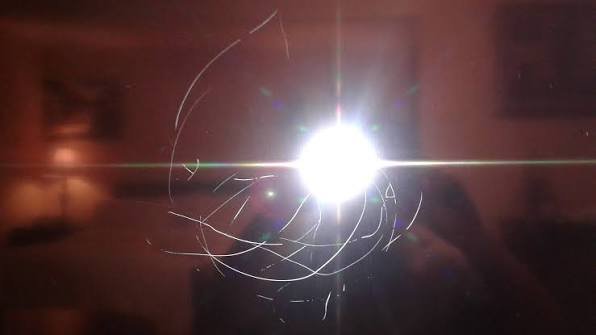
Many TVs have a thin, often reflective glass panel, and the outer layer is a polarising film with a coating. It can scratch more easily than people expect.
Separate tempered glass front
Some models are sold as “tempered glass” TVs. This is rarer, and you can confirm it on the spec sheet or listing.
Older TVs
Older televisions may have real glass fronts, which is general knowledge rather than a rule. If you are not sure, treat yours like a modern flat panel.
Start with the model number on the back label or the box. Search it on the maker’s site, open the specification page and look for words such as “front glass”, “tempered glass” or “panel coating”. If the listing is silent, the manual’s cleaning section often hints at a coated surface.
About Screen Guardian and repair costs
We have sold TV protectors since 2018.
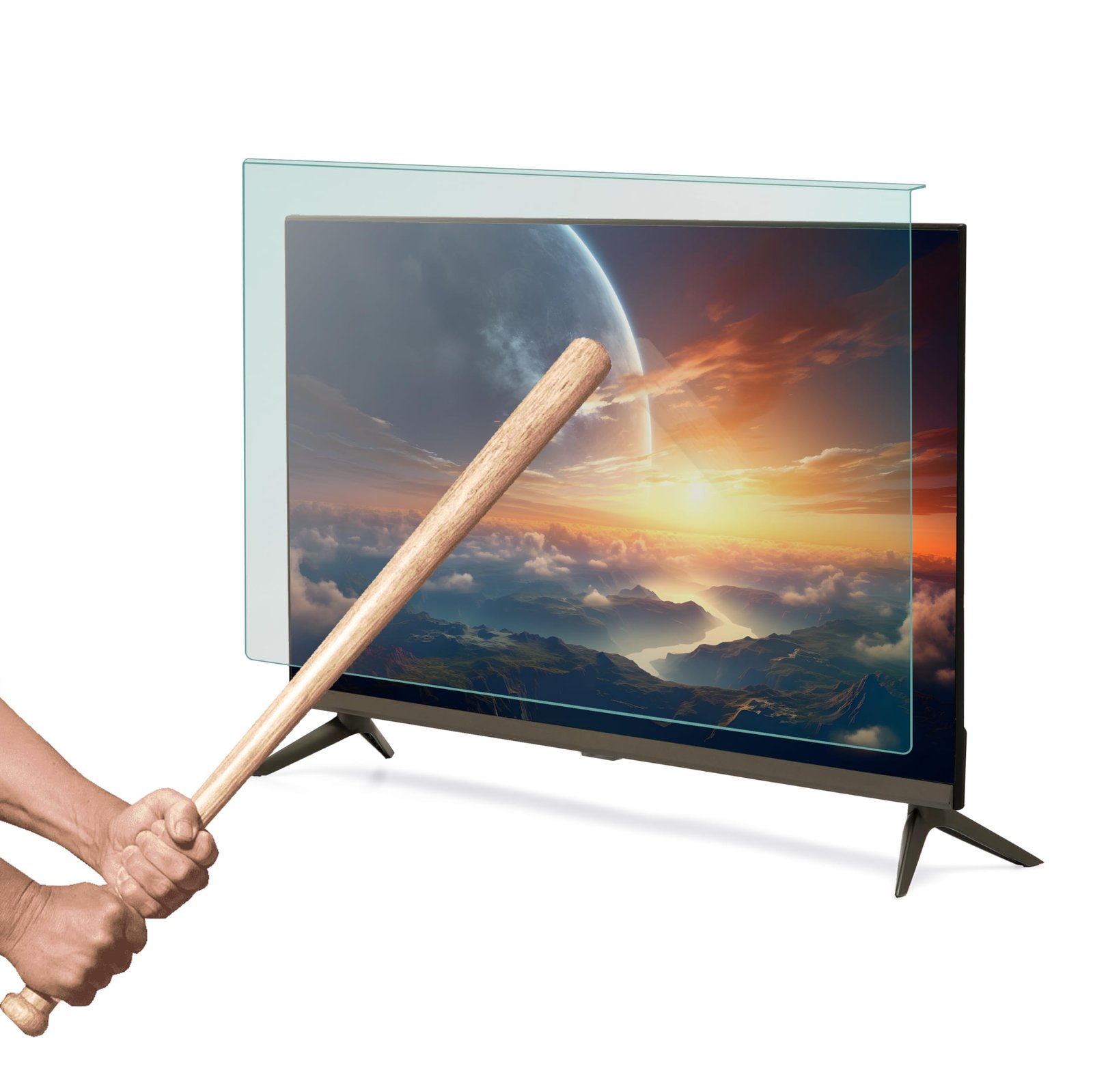
The Screen Guardian range covers 32, 43, 50, 55, 65 and 75 inch for brands including Samsung, LG, Sony, TCL and Mi. Our own site notes that Indian families spend ₹40,000 to ₹1,50,000 on televisions and often leave the panels unprotected.
Prices as of November 2026 — the product page always shows the current price, or contact Screen Guardian.
As an illustration of repair cost, one couple with a 65 inch LG OLED could not afford a ₹28,000 panel replacement. For a 55-inch TV, panel replacement starts at ₹18,000, which is the lowest price in that range and not a quote for any one model. Ask a service centre for a quote for your own model.
Protector finishes compared
A protector’s finish matters more than its label, so compare what it does to light and touch.
Crystal clear
This keeps the picture as it is and suits dim rooms. It still reflects windows and lamps. Our standard 55 inch protector uses a crystal clear finish, not matte.
Anti-glare matte
Matte finishes scatter light to cut reflections. The Anti-Glare 55 Inch TV Screen Protector has a matte finish and is rated at 90% reflection reduction on its product page.
Blue light filter
The Blue Light Filter TV Screen Protector reduces blue light by up to 50%, per the product page.
| Finish | Best for | Reflections |
|---|---|---|
| Crystal clear | Dim rooms | Not reduced |
| Anti-glare matte | Bright rooms, windows | Reduced |
| Blue light filter | Late evening viewing | Varies |
How to choose for your 55-inch TV
Choose by room light first and screen material second.
A living room with a window opposite the TV suits matte. A closed bedroom used at night may suit the blue light filter. A dark home theatre can use crystal clear.
If daytime light is your problem, Screen Guardian’s matte Anti-Glare 55 Inch TV Screen Protector fits. A film layer is easier to replace than the panel behind it.
How to check your screen type before ordering
Read the manual and spec sheet first, then confirm the size.
- Look for “tempered glass” or “front glass” in the spec sheet or product page.
- If nothing is stated, assume a coated front and avoid harsh cleaners.
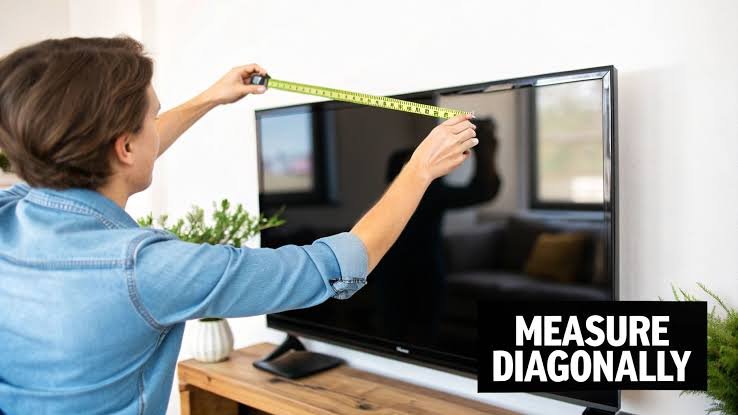
- Measure the visible screen: a 55-inch is about 121.8 cm wide and 68.5 cm tall.
- Check the brand and model number against the product listing.
Our product page says the protector fits your 55-inch TV brand exactly. If the size is wrong, we bear return shipping on our error, and exchanges need contact within 7 days of delivery.
LED-backlit LCD or OLED: choosing your panel type
LED TVs are LCD TVs with an LED backlight, so the choice is really between LED-backlit LCD and OLED.
LED-backlit LCDs are bright and affordable, but blacks can look grey and viewing angles can be narrow. IPS panels widen the angle. OLEDs have deeper blacks, though static images can risk burn-in over time.
Start with how you watch. In a bright room, an LED-backlit LCD usually looks punchier because it can reach higher brightness. In a dark room, OLED’s per-pixel control gives better contrast, and blacks look truly black.
Next, think about viewing position. If the sofa sits well off to one side, narrow viewing angles on a VA-type LCD will wash out colour, so an IPS LCD or an OLED is the safer pick. For a seat directly in front, the difference is small.
Then consider usage. News channels, game HUDs and channel logos leave fixed images for hours, which raises burn-in risk on OLED. Mixed viewing carries little risk, and most OLED sets include pixel-shifting and refresh routines. LED-backlit sets can show uneven backlight, called clouding, in dark scenes, and a few local-dimming zones can create halos around bright objects.
A practical test: in a shop, ask to see a dark film scene and a static menu on each set, standing at the angle you would sit. Compare blacks, brightness and reflections, and note the panel type on the label. Quantum-dot QLED is a refinement of LED-backlit LCD, so judge it by the same checks.
Cleaning and safety questions
Do not use Windex or other ammonia glass cleaners on a modern TV.
Use a dry microfibre cloth, then a slightly damp one if needed. Coatings can be affected by harsh chemicals, even on glass-front sets.
Sit 1.7 to 2.2 m from a 55-inch screen and avoid a bright screen in a dark room.
Before cleaning, switch the TV off and unplug it, then let it cool. A warm screen dries cleaners unevenly and leaves streaks. Wipe in one direction with light pressure rather than circles, since pressing hard can mark the panel or damage pixels.
For stubborn marks, dampen a microfibre cloth with distilled water, and check the manual before using any liquid on the screen. Never spray liquid onto the screen, because it can run down into the bezel and the electronics. Avoid paper towels, tissues and rough cloths, which scratch coatings.
If you have fitted a protector, clean it the same way, using only a dry or lightly damp microfibre cloth. Skip alcohol wipes unless the protector’s instructions allow them.
On safety, keep the TV away from direct sun and damp walls, leave gaps around the vents for airflow, and secure it to the wall or stand, as tipping is a real risk around children. Use a surge protector during storms. For comfort, follow the 20-20-20 habit: every 20 minutes, look at something about 20 feet away for 20 seconds, and keep some room light on during evening viewing.
Costs in rupees
As of November 2026, protectors range from ₹1,499 to ₹7,999 across sizes. The standard 55-inch protector is ₹3,499 and the anti-glare 55-inch protector is ₹3,699, as of November 2026.
Frequently asked questions
Can I put a glass protector on any TV?
Not safely without checking. A rigid sheet is heavy and fit-sensitive. We sell film-style protectors sized to your TV, so match the size first.
How do I check my screen material before buying a protector?
Read the spec sheet for “front glass” or “tempered glass”, match the model number to the listing, and if nothing is stated assume a coated front.
Do TVs need screen protectors?
Not required. If your screen has a coated or glass-look front, a protector mainly guards that surface against scratches and fingerprints. For a living room with a window opposite the TV, an anti-glare finish is the more useful choice.
Related guides
Choosing your 55-inch protector with Screen Guardian
Check your spec sheet, note your room’s light, then see the 55 Inch TV Screen Protector page. If you are unsure whether it fits your model, contact Screen Guardian by phone or through the message form on our contact page.