How to Protect TV Screen From Kids: A Practical 55-Inch Guide
You have just bought a 55-inch TV, and your toddler has already found out that the screen is fun to poke, slap and press sticky fingers against. Here is how to protect TV screen from kids without turning the living room upside down: start with where the TV sits, then set a few house rules, and only then consider a screen protector as a final layer.
Quick answer: Free steps do the most work: mount the TV on a wall with the screen centre about 1.2 to 1.5 metres from the floor, or anchor the unit if it must stand, and keep toys and climbable furniture away. A static cling screen protector (₹2,999 for 55 inch, free shipping in India) adds protection against scratches, smudges and light knocks, but not against a hard hit.
What kids actually do to a TV
Most damage is small and repeated, not dramatic. Fingerprints and sticky smears from snacks and juice are by far the most common. Next come fine scratches from fingernails, toy corners and anything dragged across the panel. The costly cases are the rare ones: a thrown toy car, a ball, or a child pulling a TV off a unit. A toy corner hitting a panel can mean a repair running to tens of thousands of rupees, and a cracked or scratched 55-inch OLED panel can cost ₹28,000 or more to replace.
That split matters. Smudges and light scratches are cheap to prevent. Impacts and tip-overs need physical distance and stability, not a coating.
Step one, free: change where the TV sits
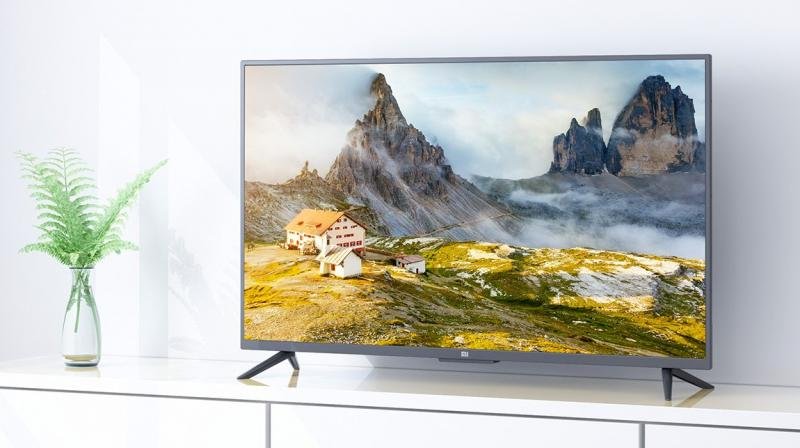
Placement decides more than any product. A wall-mounted TV at adult viewing height, roughly 1.2 to 1.5 metres from the floor to the centre of the screen, is much harder for a toddler to reach than a TV on a low cabinet. We recommend wall mounting strongly for homes with young children, using a proper bracket rated for your TV’s weight and fixed into solid wall, ideally by an installer.
If the TV has to stand on a unit:
- Anchor the unit to the wall with furniture anchor straps (typically ₹200 to ₹400 online).
- Strap the TV itself to the unit with anti-tip straps.
- Push the unit flush to the wall so the TV cannot be reached from behind or tilted forward.
- Keep sofas, stools and toy boxes away from the TV unit, because a child will use them to climb up.
Tip-overs are a safety issue for the child, not just the TV, so do this step even if you buy nothing else.
Step two, free: house rules and toy management
Rules work better when they are simple and physical. Give the TV a “no-go” zone, for example a rug or a play mat on the far side of the room, and keep balls, blocks and hard toys there rather than in front of the TV. Store throwing toys in a closed box between play sessions.
Wipe-downs are part of the routine too. Use a dry, soft microfibre cloth, and never spray cleaner directly on the screen. Keep snacks and drinks away from the TV area, because sticky residue is what makes people scrub, and scrubbing is what scratches. A toddler cannot follow rules reliably, so treat these as ways to lower the odds, not remove them.
Step three, paid: a screen protector as one layer
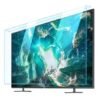
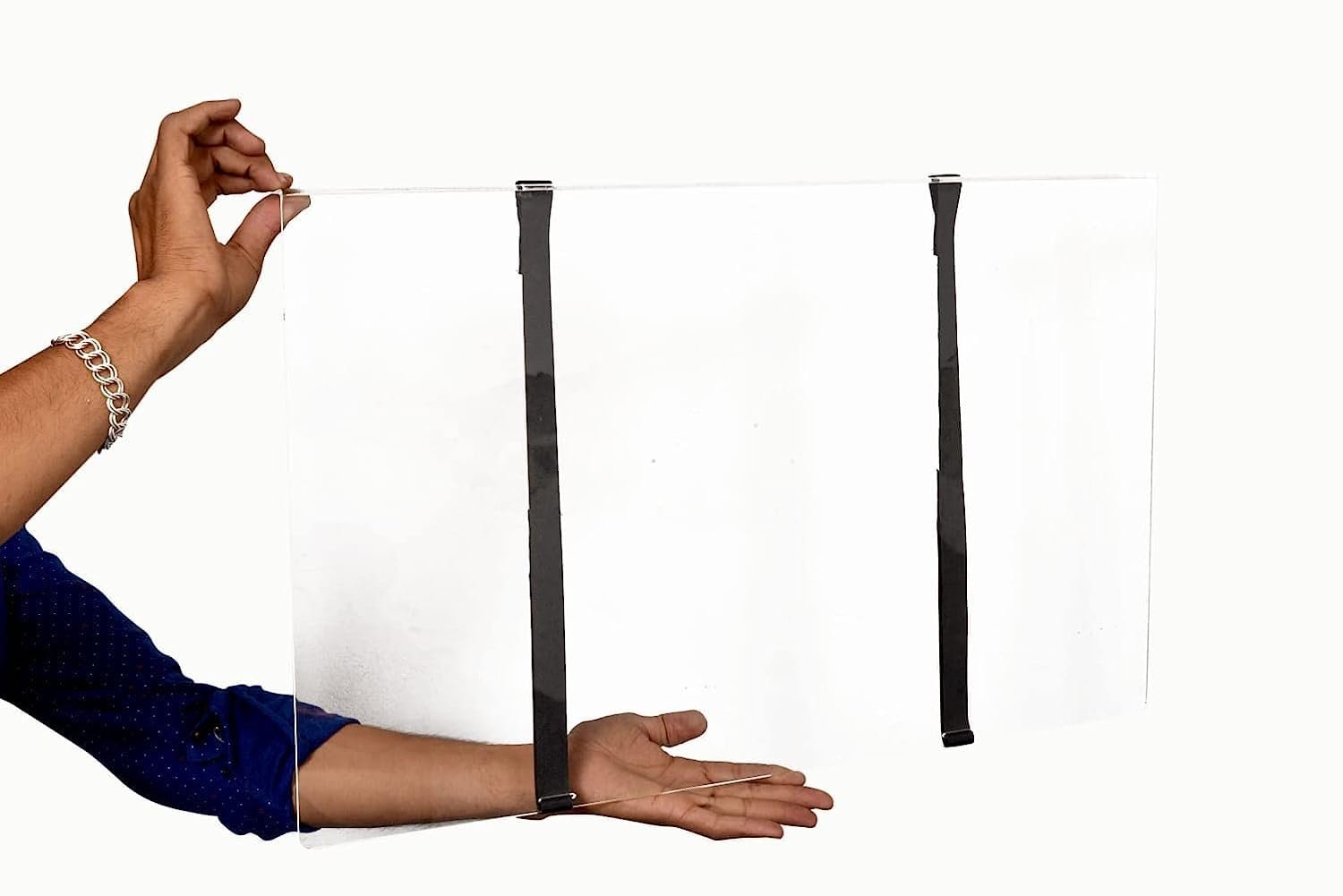
A screen protector is worth adding when your child is likely to touch the screen even after steps one and two. Ours are static cling, with no adhesive, so nothing sticks to the panel and it can be taken off later. It helps with scratches from fingernails and toys, smudges that wipe off the protector instead of the panel, and light knocks.
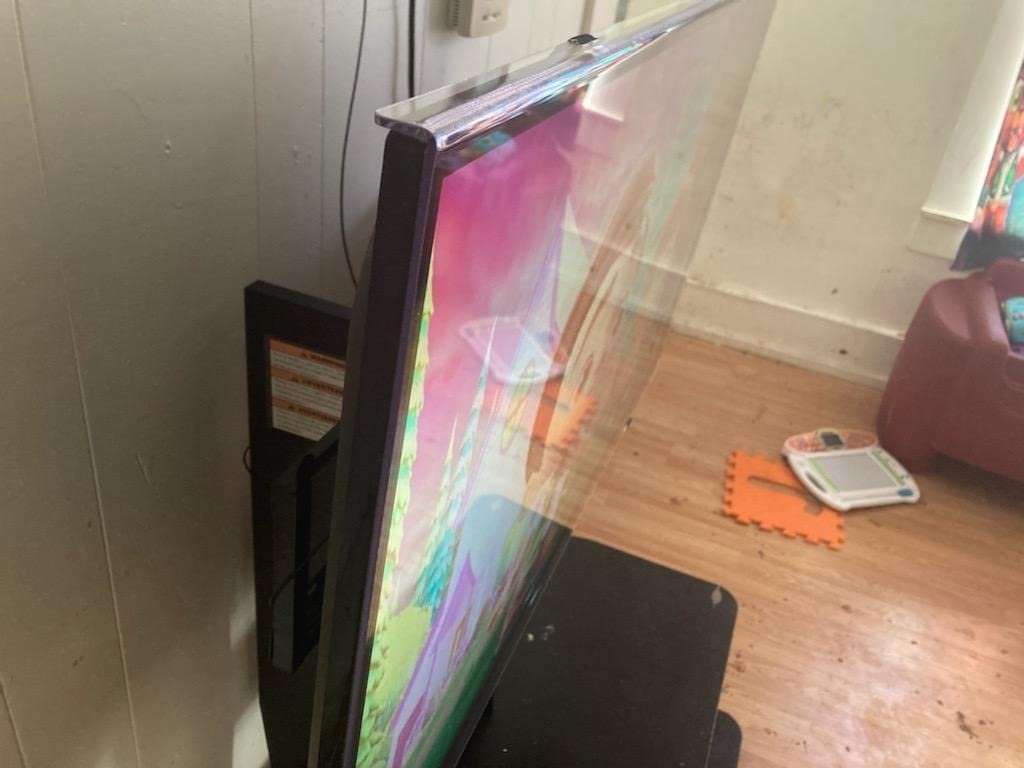
What it does not do matters just as much. It will not stop a thrown ball or a hard toy corner from damaging the panel, and it cannot hold back a crack from a heavy hit. Please do not buy one and then relax the placement and rules. We would rather you treat it as the last of three layers.
Matte or crystal clear
Crystal clear keeps the picture closest to the bare screen. Anti-glare is a matte finish that cuts reflections, useful in a bright living room, and it hides fingerprints better, though some people see a very slight softness. Our anti-glare versus crystal clear comparison goes through the trade-off. Our product page also describes a blue light reducing version, but weigh that on your own priorities rather than treating it as a must.
How the three steps compare
| Step | Cost | Helps with | Does not stop |
|---|---|---|---|
| Wall mounting or anchoring | Free to low (anchor straps ₹200–₹400) | Reach, tip-overs, climbing | Thrown objects if the child can still reach |
| House rules and toy storage | Free | Impacts, spills, sticky hands | Unpredictable toddler behaviour |
| Static cling screen protector | ₹2,999 with free shipping | Scratches, smudges, light knocks | Heavy impacts and cracks |
Costs depend on your installer and the product chosen; the protector price is for a 55-inch size.
Choosing the right 55-inch protector
Size is the usual mistake. “55 inch” is the diagonal of the screen, and bezels and models vary, so measure your actual visible screen width and height before ordering. Our guide on how to measure your TV for the right screen protector size shows how, and the typical dimensions of a 55-inch TV help you sanity-check. Then compare options on our 55-inch protector roundup or go straight to the 55 inch TV screen protector.
If the screen is already marked
Start by wiping gently with a dry microfibre cloth, then a slightly damp one if needed. Smudges and residue usually come off. Real scratches in the panel’s surface layer generally cannot be polished out at home, and a pressed-in mark or crack needs a service centre assessment. A protector will not hide existing damage, so fit it on a clean, undamaged screen.
Frequently asked questions
Can I put a protector on while the TV is mounted?
Yes, but it is easier to do it with the TV switched off and cooled, using a helper for the top edge. Take your time to avoid trapping dust.
Will it affect warranty?
Static cling protectors leave no adhesive, and you can remove them. If you are unsure, read your brand’s warranty terms or ask the service centre.
What if it does not suit me?
Our returns policy is on the site, and our guide on removing a TV screen protector explains how to take it off safely.
Our suggestion for your living room
Do the free steps first, today. If you still want a layer against fingers and scratches, Screen Guardian has been making protectors since 2018, with 55-inch sizes at ₹2,999 and free shipping across India. Call us on +91-4562796089 and we will help you pick the right finish and size for your TV.
Related guides
- Top 5 TV Screen Protectors for 55 Inch TVs in India (2026)
- Anti-Glare 55 Inch TV Screen Protector
{“@context”:”https://schema.org”,”@graph”:[{“@context”:”https://schema.org”,”@type”:”Article”,”headline”:”How to Protect TV Screen From Kids: A Practical 55-Inch Guide”,”description”:”Fingerprints and sticky smears from snacks and juice are by far the most common. Next come fine scratches from fingernails, toy corners and anything dragged across the panel.”,”publisher”:{“@type”:”Organization”,”name”:”screen guardian”},”author”:{“@type”:”Organization”,”name”:”screen guardian”}},{“@context”:”https://schema.org”,”@type”:”FAQPage”,”mainEntity”:[{“@type”:”Question”,”name”:”Can I put a protector on while the TV is mounted?”,”acceptedAnswer”:{“@type”:”Answer”,”text”:”Yes, but it is easier to do it with the TV switched off and cooled, using a helper for the top edge. Take your time to avoid trapping dust.”}},{“@type”:”Question”,”name”:”Will it affect warranty?”,”acceptedAnswer”:{“@type”:”Answer”,”text”:”Static cling protectors leave no adhesive, and you can remove them. If you are unsure, read your brand’s warranty terms or ask the service centre.”}},{“@type”:”Question”,”name”:”What if it does not suit me?”,”acceptedAnswer”:{“@type”:”Answer”,”text”:”Our returns policy is on the site, and our guide on removing a TV screen protector explains how to take it off safely.”}}]}]}